
Exact KB targets
Choose 50 KB, 100 KB, 200 KB, 500 KB, 1 MB, or enter a custom size.
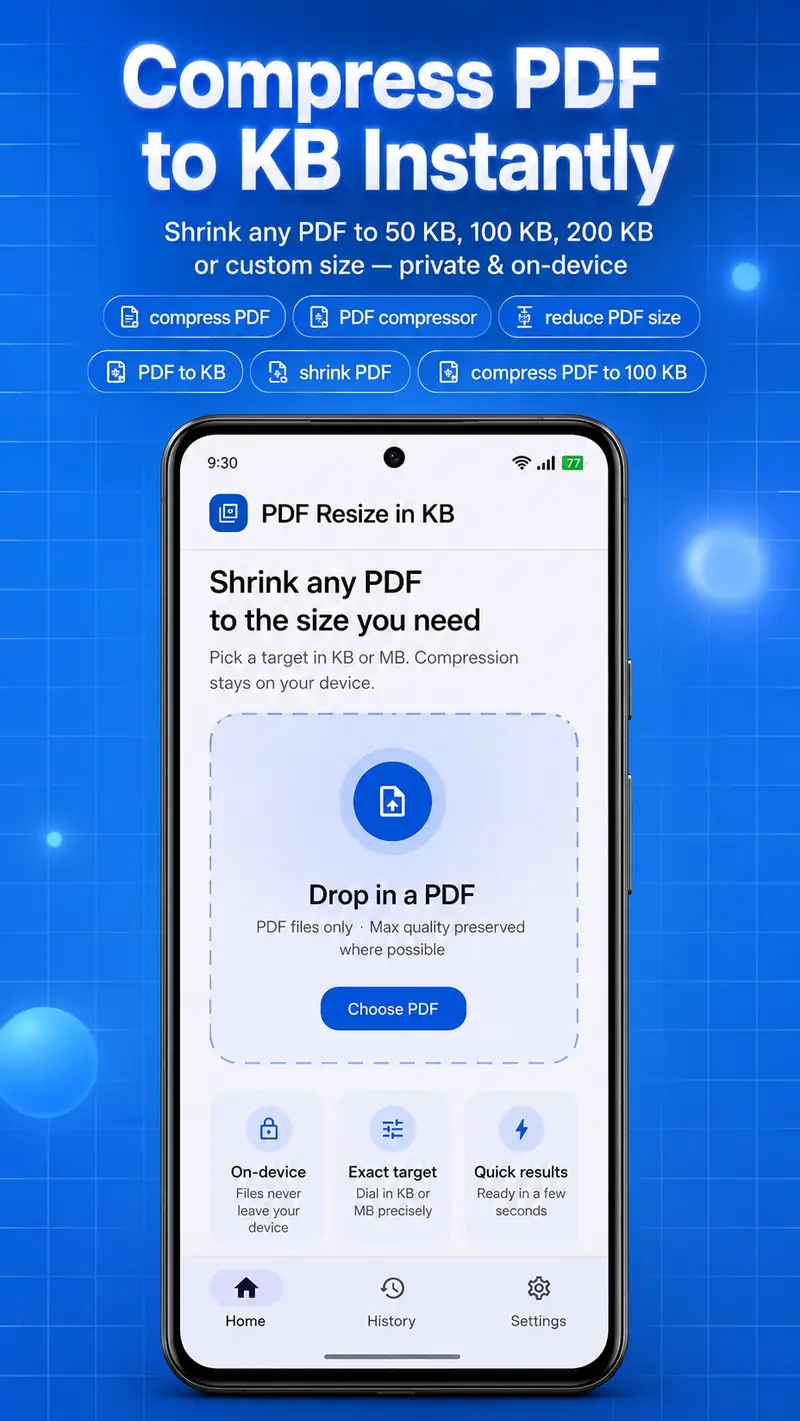
Android PDF compressor
Shrink any PDF to 50 KB, 100 KB, 200 KB, or a custom target. Save, share, and reopen results from History — built for speed and clarity.
KB / MB
Preset targets + custom size input
93%
Example reduction shown in History (1.3 MB → 81.7 KB)
Fast
Compress, save, share, and open in a few taps
Everything you need to hit upload size limits without leaving Android.
Choose 50 KB, 100 KB, 200 KB, 500 KB, 1 MB, or enter a custom size.
See original vs compressed size, percent smaller, and whether the target was met.
Save to Files, share to apps, or open the compressed PDF instantly.
Reopen recent compressions and track space saved over time.
Set default target size, filename behavior, and light / dark / system theme.
Compression requires network so the free app can stay available with ads.
Actual UI from PDF Resize in KB — Home, Processing, Result, History, and Settings.


Step 1
Choose a PDF
Pick any PDF from your device.
Step 2
Set target size
Select a KB/MB preset or enter a custom value.
Step 3
Compress & save
Review results, then save, share, or open the file.
Install PDF Resize in KB and hit the size limits your forms, portals, and uploads require.
Get it on Google Play